
Switching to Formfy changed how we onboard new therapy clients. They complete intake forms and consent before the first visit, so our sessions can focus entirely on the client from the start.
H
HIGHLAND THERAPY GROUP
Sarah K., Practice Director
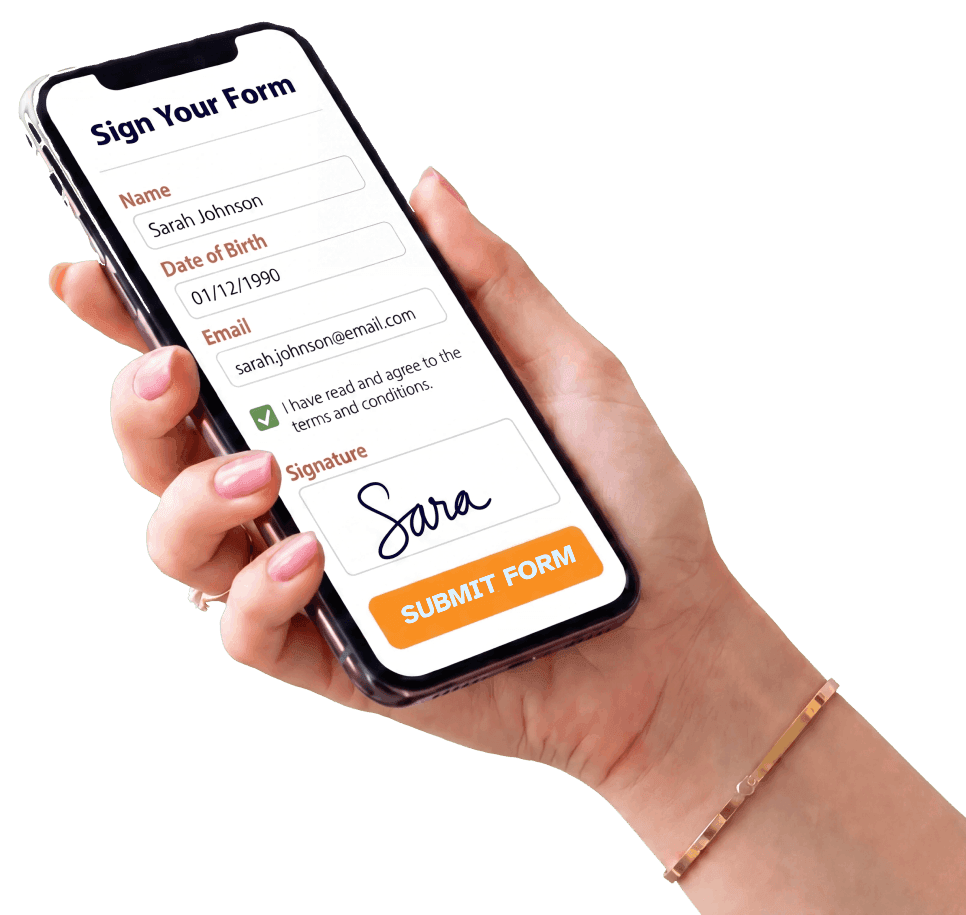
Formfy is the AI Agreement Engine for SMS-first client onboarding.
Formfy gives therapy practices and wellness providers everything needed to create, send, and collect digital intake forms, client questionnaires, and signed consent forms online. Clients complete and sign from any device before the first session.
Track submission progress, send automated reminders, and arrive to every appointment with completed intake paperwork already in hand.
Create My Intake Form With AI — FreeTrusted by over 7000 businesses
Mobile-friendly therapy intake forms your clients can complete from any device, anywhere. A modern alternative to paper forms, clipboards, and emailed PDFs.
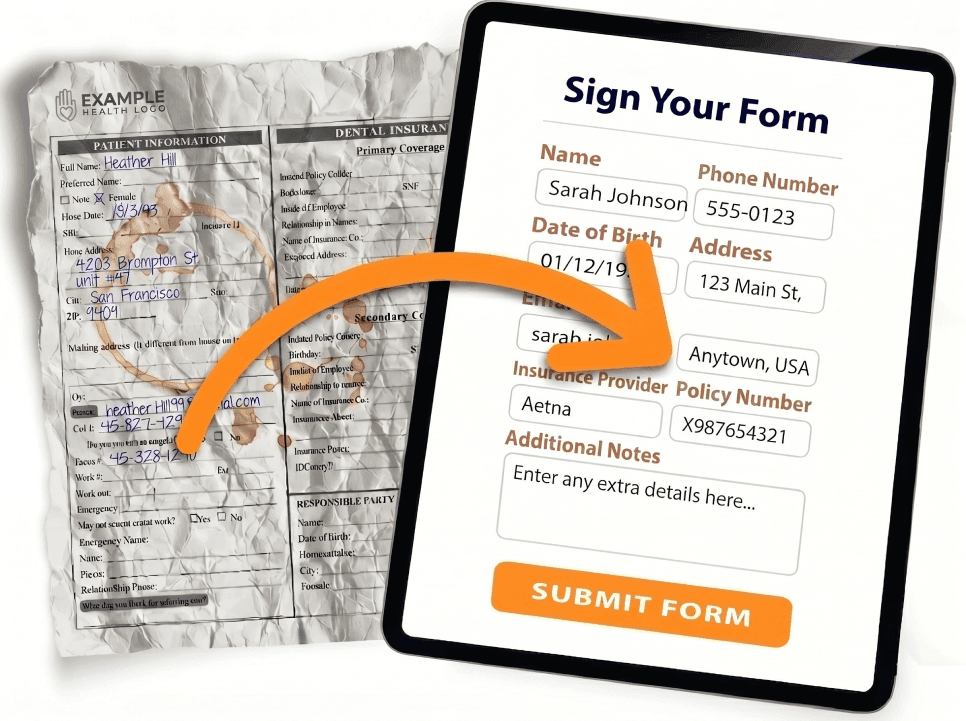
See Formfy in action
Describe the form you need in plain English. Copilot drafts fields, consent clauses, liability waivers, policy language, and signature blocks in seconds.
Drop in any PDF contract, waiver, scanned form, or Word doc. AI extracts every field and rebuilds it as a live e-signature workflow on any device.
Text a secure link by SMS, email, or share a QR code for on-site check-in. The signer opens it in their browser over HTTPS, signs, and submits — from their phone, tablet, or laptop.
Instant SMS and email notifications the moment a contract, waiver, or consent form is signed. One dashboard tracks every submission, sends reminders, and stores every signed document with a tamper-evident audit trail.
Deliver by SMS, email, or shareable link. Print a QR code on flyers, signage, or follow-up emails. Meet every signer exactly where they are — phone, tablet, or kiosk.
Design your perfect form or agreement with AI, then send it to every new client. Reusable templates, multi-signer workflows including parent / guardian flows, and integrated file collection built in.
Create forms, waivers, and agreements in seconds with AI.
Contracts, consents, releases, and registrations — signed and sent by SMS or email.
Better forms and faster signatures. Less friction at sign-off. Happier teams and clients.
Stop pasting from generic templates. Our AI Copilot drafts liability waivers, consent clauses, service agreements, and release language tailored to your business in seconds.
Text the form link directly to your client’s phone. They open it, read, and sign before they arrive — no clipboards, no PDFs going back and forth by email.
Every signed document captures timestamps, IP addresses, and a certificate of authenticity. Legally-binding e-signatures under the ESIGN Act, UETA, and eIDAS — with a verifiable chain of custody for every record.
Upload your existing PDF contracts and waivers or let AI build new ones. Every submission is stored digitally, searchable instantly, and backed up automatically. Retire the filing cabinet.
Clients arrive with paperwork already completed — not waiting on a printer or scanner. Your team gets started instead of chasing signatures.
Built-in multi-signer flows for parent and legal-guardian authorization, co-signers, and witnesses. Require the proper signatory chain on every agreement — with a full audit trail.
Switching to Formfy changed how we onboard new therapy clients. They complete intake forms and consent before the first visit, so our sessions can focus entirely on the client from the start.
HIGHLAND THERAPY GROUP
Sarah K., Practice Director
Before Formfy, chasing down intake forms took days of back-and-forth. Now new clients submit everything digitally before their first appointment. Onboarding went from a chore to seamless.
WELLSPRING COUNSELING STUDIO
Marcus T., Founder
An intake form for therapy collects client information before care or service begins. It typically includes contact details, reason for visit, relevant background, preferences, and a consent or acknowledgment section. A digital version helps reduce waiting-room paperwork, speed up check-in, and keep client information organized.
A complete therapy intake form typically includes client name, contact information, date of birth, emergency contact, reason for visit and session goals, relevant background or history, preferred communication method, any medications or health considerations relevant to the service, consent and acknowledgment, and a signature. Fields vary by provider type, location, privacy requirements, and service model.
Describe your practice — for example, 'individual therapy practice offering cognitive behavioral sessions' — and Formfy's AI Copilot generates a complete intake form with contact fields, background questions, and consent language. Review it, customize if needed, and publish in under a minute.
Yes. Formfy forms are fully mobile-optimized. Clients tap the link from SMS or email, complete the intake form on their phone or tablet, and submit from any device. The process works on any browser — iPhone, Android, or desktop.
Yes. Formfy includes electronic signature support compliant with the ESIGN Act and eIDAS. Clients can sign their intake form or consent section digitally before the first session — no printing, scanning, or in-office paperwork required.
Not exactly. An intake form collects client background and contact information. A consent form documents the client's agreement to terms and services. Formfy lets you combine both into a single digital form so clients complete and sign everything in one step.
Most practices send intake forms 24–48 hours before the first appointment so clients have time to complete them without rushing. Formfy's SMS and email delivery makes it easy to send intake forms immediately after booking.
No. Formfy is a digital form builder and e-signature platform — not an electronic health record or clinical practice management system. Formfy helps you create, send, and collect digital intake and consent forms. For clinical record-keeping, scheduling, or billing, use a dedicated EHR system. Verify your legal, privacy, and clinical requirements with the appropriate advisor.
Yes! Formfy offers a 15-day free trial with no credit card required. Create your therapy intake form with AI, send it by SMS or email, collect digital signatures, and test the full platform before committing. Paid plans start at $19/month.
Start your free trial today and create your first therapy intake form in minutes.
Start a Free TrialFormfy gives therapy practices and wellness providers everything needed to send and receive intake forms, client questionnaires, and consent forms online — including counseling intake forms, massage therapy intake forms, and mental health intake forms. We help practices that: