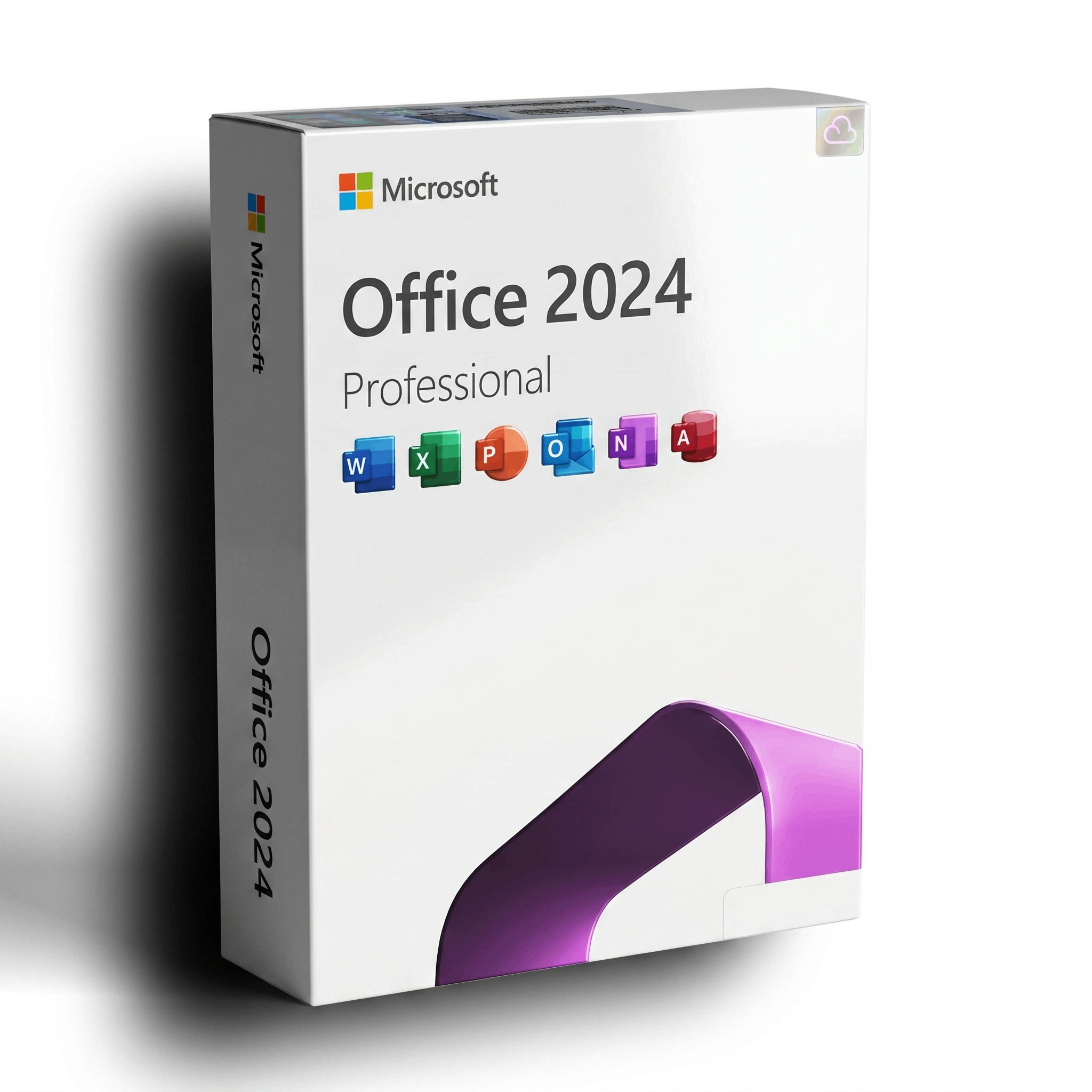
Microsoft Office Professional Plus 2024 — Lifetime License
This listing is for a lifetime digital license key for Microsoft Office Professional Plus 2024 (or, depending on the option you choose, Microsoft Office 365 Personal, or Office 2024 Home and Business for Mac). Your key and step-by-step activation instructions are emailed within minutes of checkout.
- Brand: Microsoft
- Format: Single-use digital license key, delivered by email
- Validity: Lifetime — activate once, use forever. No subscription, no expiry.
- Devices: 1, 3, or 5 Windows PCs (depending on option) — or one Mac with the Office 2024 Home and Business for Mac option.
- Languages: Multi-language support — switch interface language during install or after activation.
- Includes: Word, Excel, PowerPoint, Outlook, OneNote, and Access (Access on PC editions only).
- Support: Friendly after-sales support by email — we’ll help if your key has any issues.
How to Activate Your License Key
- After checkout, check your email for the license key (the email arrives within minutes).
- On Windows PCs, sign in at setup.office.com with a free Microsoft account and paste the key.
- Download the Office installer linked from your Microsoft account and run it.
- Open Word, Excel, or any Office app and sign in with the same account to finalize activation.
- For Mac, use the Office 2024 Home and Business for Mac option and follow the matching instructions in your delivery email.
- Need help? Reply to your delivery email and our support team will assist you.
What’s Included?
This listing offers three editions of Microsoft Office. Pick the one that matches your devices and your preference for one-time vs subscription pricing — full details below.
Microsoft Office Professional 2024 — Lifetime License (1, 3, or 5 PCs)
One-time payment perpetual license for Windows 10 (64-bit, version 1909 or later) and Windows 11. The most fully-featured perpetual edition:
- ✅ Microsoft Word
- ✅ Microsoft Excel — Power Query, dynamic arrays, advanced data analysis
- ✅ Microsoft PowerPoint — AI design suggestions, enhanced presenter view
- ✅ Microsoft Outlook — focused inbox, calendar, contacts
- ✅ Microsoft Access — relational databases (PC editions only)
- ✅ Microsoft OneNote — multi-section notebooks, cross-device sync
- ✅ Microsoft Publisher — newsletters, brochures, page layouts
Activates on 1, 3, or 5 Windows PCs depending on the option you select. No subscription, no expiry, no recurring fees.
Microsoft 365 Personal — 1-Year Subscription
Annual subscription with always-current cloud-connected features. Best fit if you want continuous updates and cloud storage included:
- ✅ Word, Excel, PowerPoint, Outlook, and OneNote — installable on PC, Mac, tablet, and phone
- ✅ Use on up to 5 devices simultaneously, signed in as one user
- ✅ 1 TB of OneDrive cloud storage
- ✅ Outlook advanced email security and ad-free inbox
- ✅ Microsoft Editor — advanced grammar and writing suggestions
- ✅ Continuous feature updates throughout the subscription year
Renewable yearly. Includes the latest desktop apps for both Windows and macOS.
Office 2024 Home and Business for Mac (1 Mac)
One-time payment perpetual license for macOS — native Apple Silicon (M-series) and Intel support:
- ✅ Microsoft Word
- ✅ Microsoft Excel
- ✅ Microsoft PowerPoint
- ✅ Microsoft Outlook
- ✅ Microsoft OneNote
Optimized for macOS with native performance and full file-format compatibility with Windows Office. No subscription, no expiry.
What’s New in Office 2024
Enhanced Collaboration Tools
- Real-time co-authoring for smoother teamwork on shared documents
- Built-in cloud integration for easier file sharing across devices
Improved Accessibility
- New accessibility checker tools for documents, spreadsheets, and decks
- Better screen-reader support across the suite
Refreshed User Interface
- Updated icons and a streamlined ribbon design
- Improved navigation and overall usability
Excel Enhancements
- Advanced data analysis tools, new functions, and new data types
- Improved charts and visualizations
PowerPoint Innovations
- Enhanced slide-show modes for more polished presentations
- AI-powered design suggestions to speed up deck creation
Word Enhancements
- Smarter formatting and styles
- Advanced research tools for citations and references
Outlook Improvements
- Focused inbox to surface important emails first
- Better calendar management and scheduling
OneNote Integration
- Seamless connectivity with the rest of the Office apps
Why Choose This Listing?
- ✔ Lifetime or 1-year options — pick what fits your workflow
- ✔ Instant email delivery of your license key
- ✔ 30-day money-back guarantee if your key has any activation issue
- ✔ Friendly after-sales support by email and live chat
Frequently Asked Questions
See the FAQ section below for common questions.