Bought office 2019 for my dads computer
bought office 2019 for my dads computer. would happily buy from here again.

Guaranteed safe & secure checkout

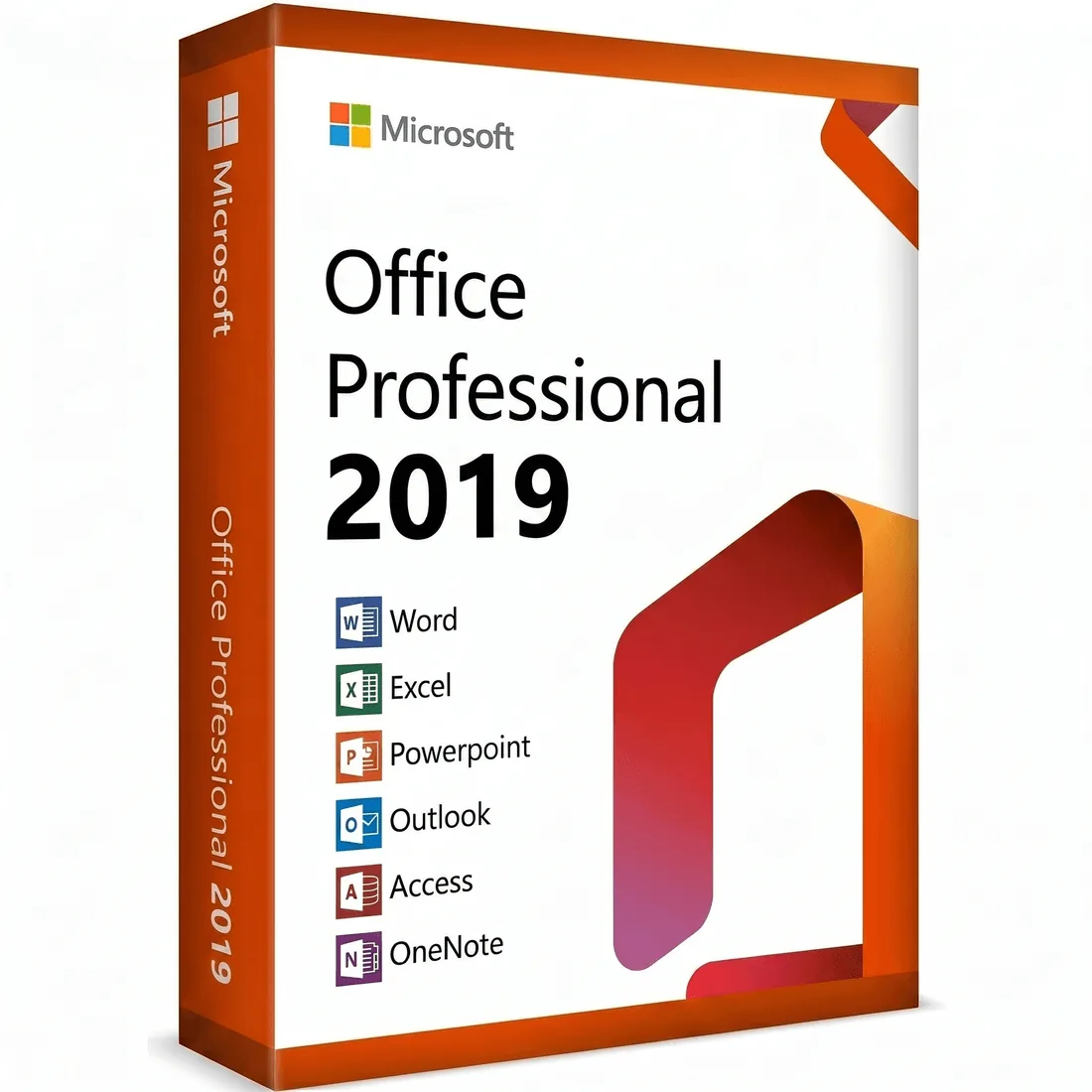
This listing offers Microsoft Office Professional 2019 as a one-time perpetual license. Choose the option that matches the number of Windows PCs you need to activate.
One-time payment perpetual license for Windows 10 (64-bit). The mature professional suite, paid once and yours to keep:
Activates on 1, 3, or 5 Windows PCs depending on the option you select. Officially supported on Windows 10 (64-bit). No subscription, no expiry, no recurring fees.
picked office 2019 for my home desktop. office 2019 runs everything i need without fuss. no regrets, works exactly as promised.
After checkout, check your email for the license key and activation instructions. The installer takes a few minutes; once finished, open any Office app to confirm activation.
It depends on the option you choose. The 1-PC license activates on one Windows computer. The 3-PC license covers three Windows PCs. The 5-PC license covers five. Each PC must be running Windows 10 (64-bit).
Lifetime (perpetual). You pay once and use Office 2019 as long as you like — no monthly or annual fees. Microsoft provides security updates for Office 2019 through October 2025 (mainstream support window) and extended security updates beyond.
Microsoft Office Professional 2019 is officially supported on Windows 10 (64-bit). Many customers also report it running on Windows 11, but Microsoft does not officially support that combination — for Windows 11 we recommend Office 2021 or Office 2024 instead. A minimum of 4 GB RAM and 4 GB free disk space is recommended. The Mac edition requires macOS 14 (Sonoma) or newer and runs natively on Apple Silicon (M-series) and Intel Macs.
Microsoft Office Professional 2019 includes Word, Excel, PowerPoint, Outlook, OneNote, Access, and Publisher. Access and Publisher are available on Windows only.
All three are perpetual one-time licenses. Office 2019 is the value-priced option for Windows 10 with mature, stable features. Office 2021 adds XLOOKUP, dynamic arrays, and modern coauthoring. Office 2024 is the newest release with refreshed UI and AI-assisted features. Choose 2019 if you want the lowest price and reliable core productivity on Windows 10.
Keys are typically delivered within minutes of payment. Check your spam or junk folder first. If you still haven't received the key after 15 minutes, contact us at contact@formfy.ai with your order confirmation number and we will resend it promptly.
Yes. If your key has any activation issue, reply to your delivery email or write to contact@formfy.ai and we will help you resolve it. Our support team typically responds within a few hours.
We offer a 30-day return window. If the license key does not work and our support team is unable to resolve the issue, we will issue a full refund. Please see our Refund Policy for full details.
Microsoft Office 2019 supports many languages including English, French, German, Spanish, Italian, Portuguese, Dutch, Polish, and many others. You can switch the interface language from within the Office apps after activation — no separate language pack purchase is required for most major languages.
Office 2024 includes Word, Excel, PowerPoint, and Outlook, plus OneNote and Access on the Windows editions. The Mac edition includes Word, Excel, PowerPoint, and Outlook.
Each license covers the number of devices stated in the option you choose. If you need more installs, add the matching quantity at checkout and you will receive a key for each device.
Yes. Office 2024 receives quality and security updates from Microsoft for the supported lifetime of the release. It is a perpetual license with a fixed feature set, not a subscription.
Yes. After activation the apps run fully offline. An internet connection is only needed once to activate and to download the installer.
Yes. You receive a genuine perpetual product key that activates directly with Microsoft.
We recommend removing older Office versions before installing 2024 to avoid conflicts. The installer will prompt you if anything needs changing.