Outdoor Fitness Class Waiver
Start with a professionally structured outdoor fitness class waiver, customize it in minutes, and collect signed forms online.
No credit card required · Customizable in minutes · Digital signatures supported
There’s a better version of that template.
A static PDF or Word template gets you 20% of the way there. Formfy gets you the other 80%.
⚠ Static template
- Members sign paper waivers at the front desk — slowing check-in
- No way to confirm all members have a signed waiver on file
- Paper waivers get lost or damaged over time
- Drop-in clients skip the waiver process entirely
- Manual tracking of who has and hasn’t signed
✓ Formfy template
- Send the waiver by SMS when a member books or registers
- Drop-in clients sign from a QR code or link before they enter
- All signed waivers stored automatically — searchable by name or date
- Reuse the same template for every member, every class
- Know exactly who has signed before a session starts
Four steps from template to live workflow
Customizable, signable, trackable — without writing a line of code.
Start with the waiver template
A liability-ready structure built for fitness and gym workflows
Add your gym’s specific language
Edit activities covered, risk disclosures, and membership terms
Send when they book or register
SMS or link — members sign in under a minute on their phone
Every signed waiver is stored automatically
Search by member name, date, or class — always accessible
Don’t have a template yet?
Describe it. Formfy builds it.
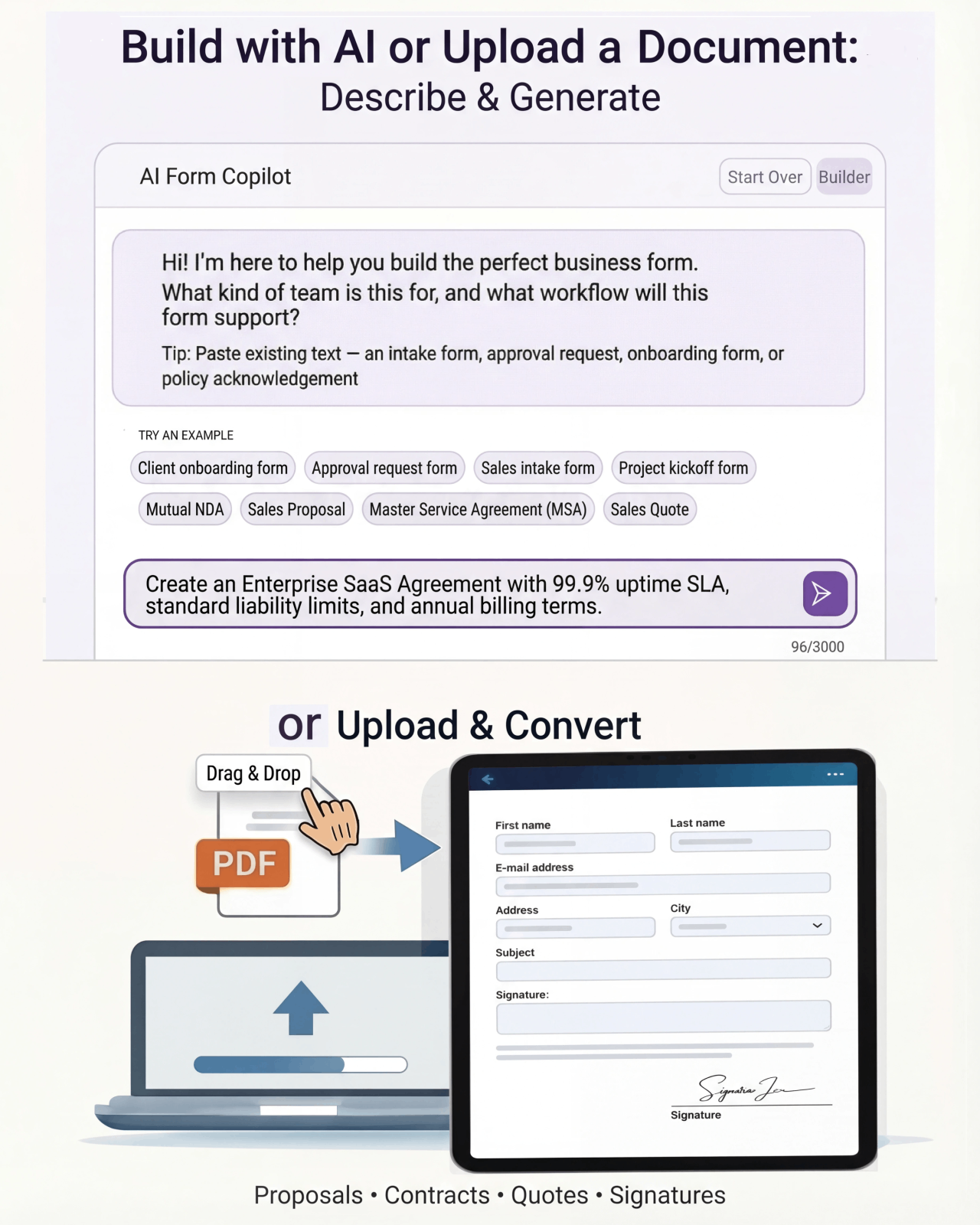
Tell Formfy what kind of form you need — treatment consent, liability waiver, client intake — and the AI drafts a structured, professional version in seconds. Customize from there.
Tell Formfy what you need in a sentence or two
AI builds a structured form instantly
Share by SMS, email, or link
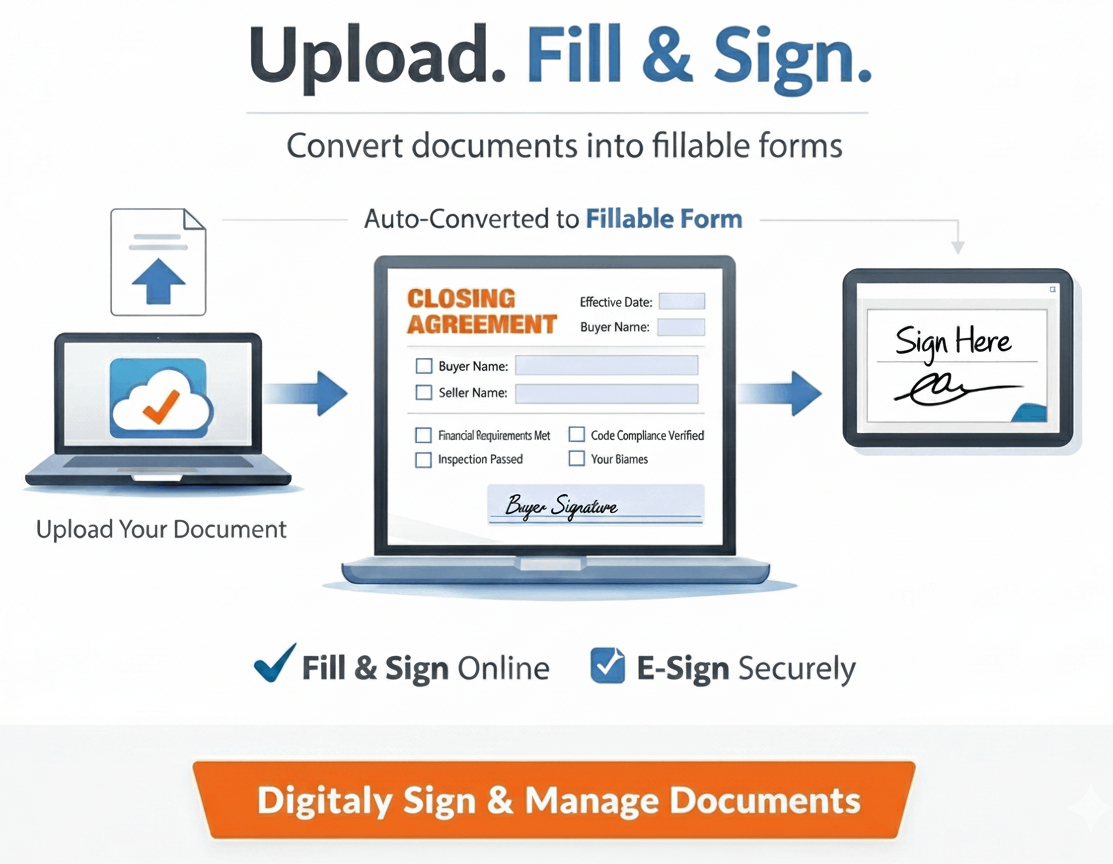
Upload your existing PDF or Word template.
Formfy converts it.
Have a form you’ve been using for years? Upload it. Formfy rebuilds it as a digital workflow — same content, same structure, no manual re-entry.
How much front-desk time goes to waiver collection?
Estimate the weekly time your staff spends on paper waiver handling and follow-up.
Questions about using Formfy templates
A gym liability waiver should include: an acknowledgment of the physical risks associated with the facility and equipment, a release of liability for injuries occurring during use, a confirmation that the participant is physically fit to exercise, emergency contact information, and the participant's signature with date. Formfy's gym waiver templates include all standard sections and can be customized for specific activities, equipment, or class types.
With Formfy, you can send a gym waiver by SMS when a member registers or books a class. The member receives a text with a link, opens it on their phone, and signs the waiver before arriving at the gym. For drop-in visitors, you can display a QR code at the entrance — visitors scan it and sign on their own device in seconds.
Electronic signatures collected through Formfy are compliant with the ESIGN Act and UETA, which recognize e-signatures as legally equivalent to handwritten signatures in the United States. Every Formfy-signed waiver includes a full audit trail with timestamp and IP address, which strengthens the documentation of the signing event.
Yes. Once you build a gym waiver in Formfy, you can send it to any number of members. Each submission is stored individually with the member's name, signature, and timestamp. You can also set up a public link or QR code that any member can use to sign, with all responses tracked in your Formfy dashboard.
Signed gym waivers are stored automatically in your Formfy dashboard. They are searchable by name, date, or form type. You can view individual submissions, download signed PDFs, and access the full audit trail for each signed waiver at any time.
Yes. Formfy provides full access to all gym waiver templates during a 15-day free trial with no credit card required. Sign up at formfy.ai, select the gym waiver template, customize it for your facility, and start collecting digital signatures — all within the free trial period.
Many gyms use one general liability waiver covering all facility use, but some choose separate waivers for high-intensity activities like personal training, CrossFit, or contact sports. Formfy allows you to create multiple waiver templates within the same account — one per activity type if needed.
Digital gym waivers collected through Formfy eliminate several problems with paper waivers: members can sign before arriving rather than at the front desk, signed waivers cannot be lost or damaged, every waiver has a timestamp and audit trail, and you can instantly verify whether a specific member has a waiver on file. Formfy supports SMS delivery and QR code access for maximum convenience.
Your clients should sign the waiver before they walk in the door.
Start with the gym waiver template, customize it for your facility, and send it by SMS or QR code. Every signature stored automatically.
Your team doesn’t have to figure this out alone.
Real humans, real help, fast setup.
Chat With Our Team
Talk to a real person who can help you set up your first forms and digitize existing documents.
Free Form Digitizing
Send us your PDF or paper form. We rebuild it as a digital workflow — at no extra cost.
Live in Minutes
Most users publish their first form in under 10 minutes. No training, no implementation projects.